![logo_white_text.svg]](https://help.tinkle.co/hubfs/logo_white_text.svg)
Creating Reporting Groups
Groups are primarily used to bundle users together for statistics and wallboard reporting.
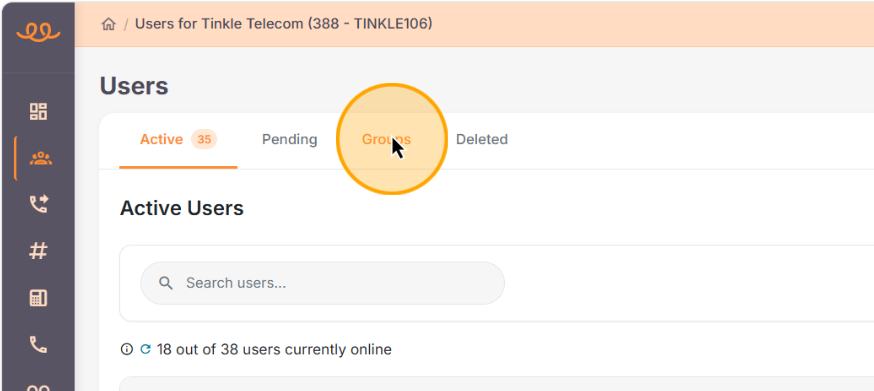
Navigate to the Users page > select the Groups tab.
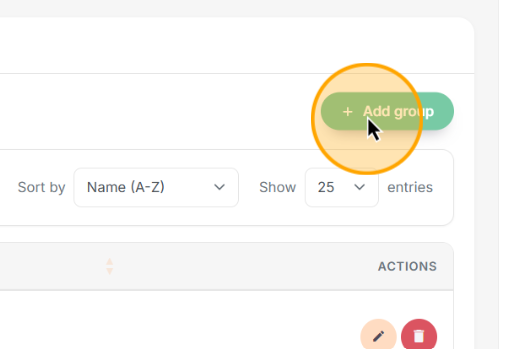
Click + Add group.
Name the group and click Search for users... in the modal.
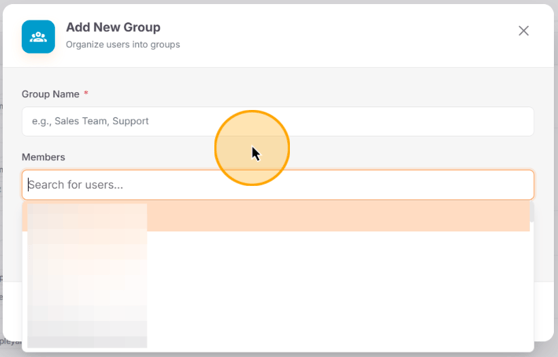
Select the users you want to include in this group, then save your changes.
Q: What is the purpose of creating user groups?
A: User groups are used specifically for statistics and reporting, allowing you to build customized wallboards for particular teams.